Beware of PDF Scams: How Innocent Documents Can Compromise Your Data
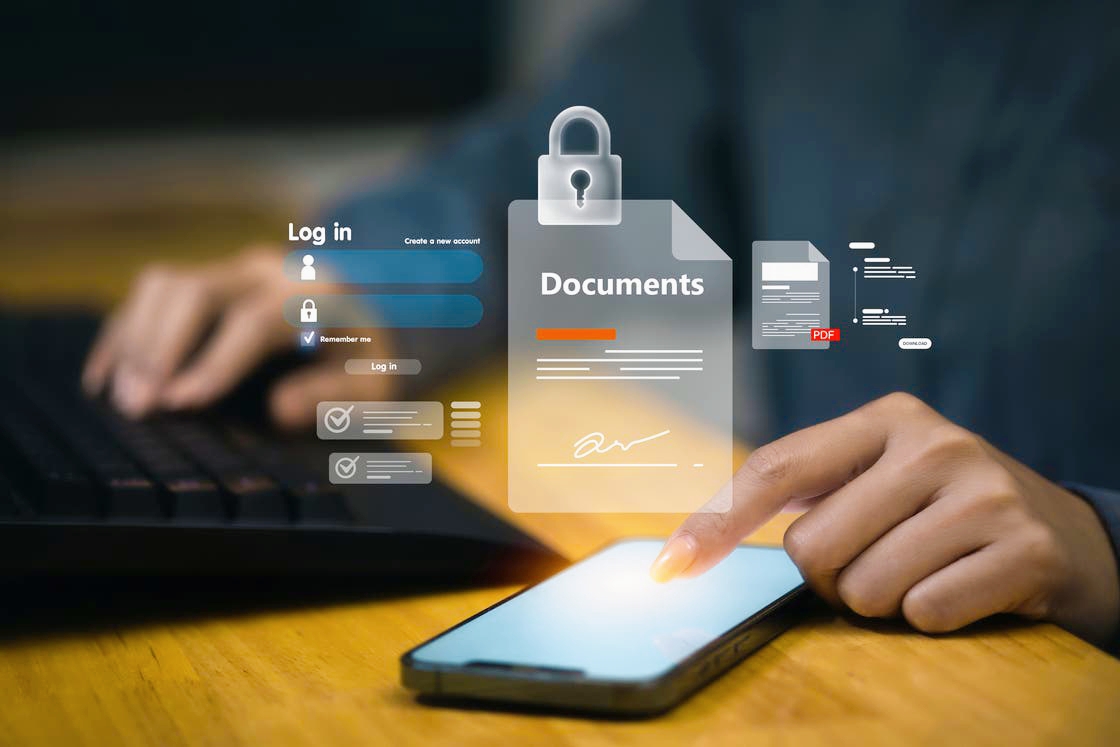
Recent data shows a notable increase in cyberattacks utilizing PDF files, capitalizing on the trust users place in this document format, particularly within government, educational, media, and financial sectors.
Despite being viewed as "read-only," PDF files can become entry points for cyber threats when malicious techniques are employed.
* How Do These Attacks Occur?
Dr. Mohamed Mohsen Ramadan, head of the Artificial Intelligence and Cybersecurity Department at the Arab Center for Research and Studies, explains that "attacks via PDF files exploit vulnerabilities in document readers or embed malicious code within the file itself, such as embedded JavaScript, hidden links, fake interactive forms, or even attached files, often without the user's awareness. Once the file is opened, the attack process begins discreetly, leaving no visible signs for the user."
* Identity Theft from Trusted Sources
Ramadan notes that these attacks often start with seemingly legitimate emails containing malicious PDF files or download links that are designed to steal sensitive information or install harmful software.
Attackers frequently employ social engineering tactics, impersonating banks, large corporations, or government agencies, using urgent language that suggests immediate action is required, prompting victims to open the file without verifying the source.
* Common Scam Techniques
According to Major General Abu Bakr Abdel Karim, former first assistant to Egypt's Minister of Interior, the most common PDF-related scams include:
• Interactive forms requesting sensitive information.
• Malicious scripts hidden behind legitimate buttons and links.
• Fake attachments masquerading as those from well-known companies.
• Attacks from counterfeit websites distributing harmful PDF files.
• Modern tactics such as fake CAPTCHA prompts or static images mimicking videos to deceive users into interaction.
* Why Are They Hard to Detect?
Abdel Karim emphasizes that the danger of these attacks lies in their precision and professionalism; the documents are often meticulously crafted, error-free, and bear authentic official logos, making it challenging for even experienced users to detect fraud.
* Malicious Files Are Not a Myth
Ramadan adds that PDF files can harbor various types of viruses and malicious software, including:
• Malware that deletes or corrupts data.
• Trojans that spy on devices and steal information.
• More complex software that grants attackers full control over the device.
He explains that the attack often begins with a message that appears to be from a trusted source, and once the file is opened, one of the following scenarios occurs:
1 _ The user is tricked into entering their banking or login credentials.
2 _ Malicious codes are executed, exploiting vulnerabilities in the PDF reader, granting the attacker unauthorized permissions.
In many instances, this leads not only to data theft but can escalate into identity theft or financial fraud.
* How to Protect Yourself?
Abdel Karim recommends the following steps for individuals and businesses:
• For Individuals: Avoid opening attachments from unknown sources, verify the sender's identity, steer clear of suspicious links, regularly update your PDF reader software, and disable code execution within files.
• For Businesses: Implement strict document management policies, utilize advanced security solutions, and train employees to recognize fraud attempts.
The PDF trap exemplifies the evolving nature of digital threats, necessitating constant vigilance and a thorough understanding of attackers' methods.