PDF Files: A Hidden Threat to Your Data Security
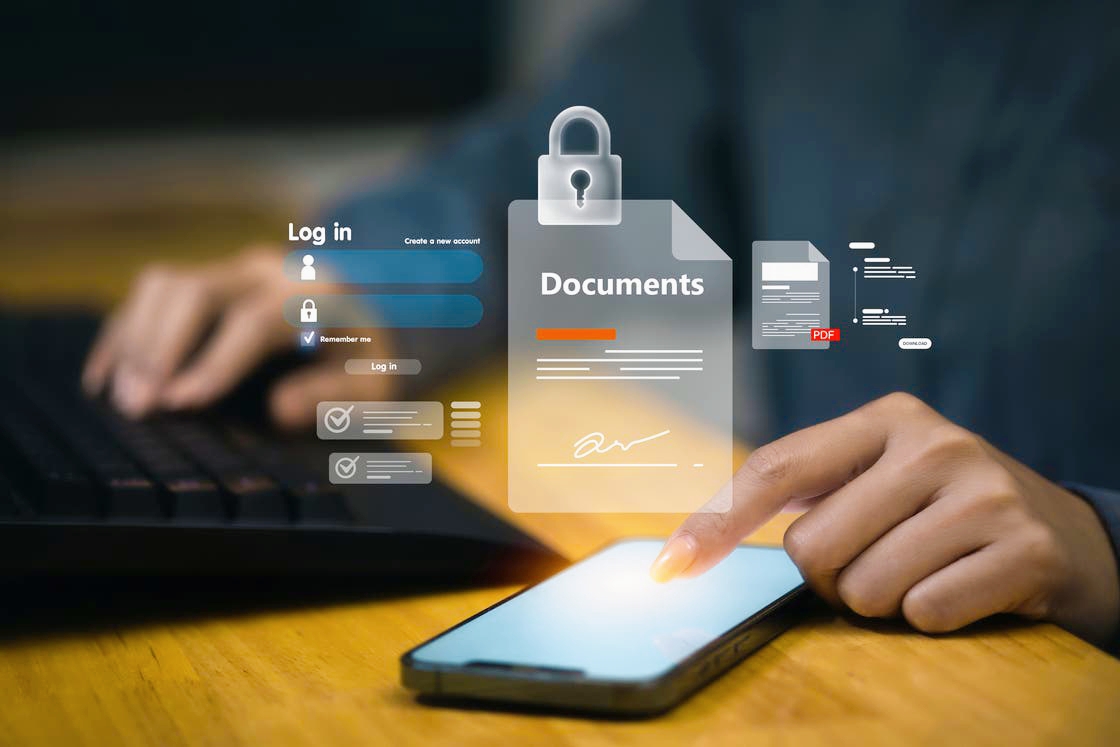
Recently, there has been a significant rise in cyberattacks utilizing PDF files, exploiting the high level of trust users place in these documents, particularly in government, educational, media, and financial sectors.
While PDF files are typically viewed as "read-only" documents, they can serve as gateways for malicious activities when exploited with advanced techniques.
* How Do These Attacks Occur?
Dr. Mohamed Mohsen Ramadan, head of the artificial intelligence and cybersecurity unit at the Arab Center for Research and Studies, explains that "attacks through PDF files often exploit vulnerabilities in document reader software or embed malicious code within the file itself, such as JavaScript, hidden links, fake interactive forms, or attachments within the PDF that execute covertly once the file is opened, without clear signals for the user."
* Impersonation of Trusted Entities
Ramadan notes that these attacks frequently begin with emails that appear legitimate, containing malicious PDF files or download links that actually harbor payloads designed to steal sensitive data or install malware.
Attackers employ social engineering tactics, impersonating banks, large corporations, or government institutions, using urgent language that suggests immediate action is required, prompting victims to open the file without verifying its source.
* Common Fraud Methods
According to General Abu Bakr Abdel Karim, former assistant to the Egyptian Minister of Interior, the most common fraud methods involving PDF files include:
• Interactive forms requesting sensitive data.
• Malicious code hidden behind seemingly normal buttons and links.
• Fake attachments masquerading as documents from reputable companies.
• Phishing sites distributing harmful PDF files.
• Modern tactics such as fake CAPTCHA prompts or static images that mimic videos to deceive users into interaction.
* Why Are They Hard to Detect?
Abdel Karim emphasizes that the severity of these attacks lies in their precision and professionalism; the documents are often meticulously crafted, free of linguistic errors, and feature authentic logos, making fraud detection challenging even for experienced users.
* Harmful Files Are Not Just a Myth
Ramadan adds that PDF files can harbor various types of viruses and malware, including:
• Destructive software that deletes or disables data.
• Trojans that spy on the device and steal information.
• More complex software that grants attackers full control over the device.
The attack often starts with a message appearing to come from a trusted entity, and once the file is opened, one of the following scenarios occurs:
1 _ Tricking the user into entering their banking details or logging in.
2 _ Executing malicious code that exploits vulnerabilities in the PDF reader, granting unauthorized permissions to the attacker.
In many cases, the attack does not stop at data theft but can escalate to identity theft or financial fraud.
* How to Protect Yourself?
Abdel Karim recommends the following steps for individuals and institutions:
• For Individuals: Avoid opening attachments from unknown sources, verify the sender's identity, steer clear of suspicious links, keep PDF reader software updated, and disable code execution within files.
• For Institutions: Implement strict document management policies, utilize advanced security solutions, and train employees to recognize fraud attempts.
The threat posed by PDF files exemplifies the evolving nature of digital threats, necessitating ongoing vigilance and a deep understanding of attackers' tactics.