How Browser Notifications Can Compromise Your Data and How to Safeguard Your Device
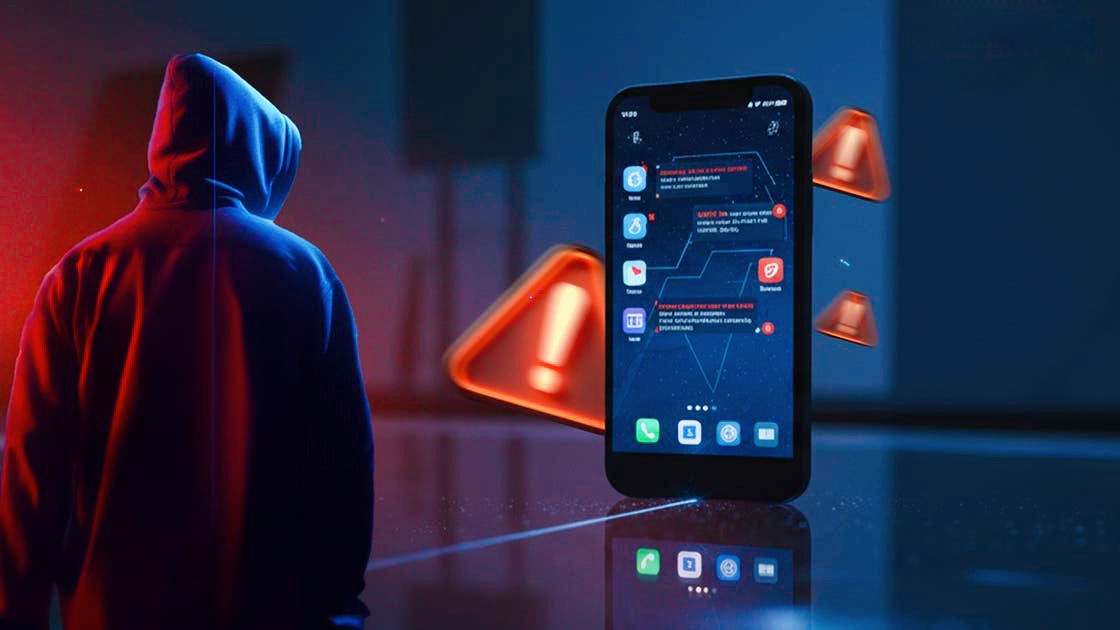
As cyber attacks increase in frequency and sophistication, the threats to digital security extend beyond traditional viruses and malware. One of the most covert risks comes from browser notifications, which can facilitate data theft and surveillance on smartphones and computers without the need for malicious downloads.
Cybersecurity professionals caution that millions of users globally have inadvertently exposed their data by simply clicking the “Allow” button on these notifications.
* A Small Window, A Big Risk
Dr. Mohamed Mohsen Ramadan, head of the Artificial Intelligence and Cybersecurity Unit at the Arab Center for Research and Studies, emphasizes that the notion of danger being limited to downloading suspicious files or clicking on email links is outdated.
He states:
“Today’s reality is more complex; a small pop-up requesting permission can serve as a gateway for hacking and fraud with just a single click on (Allow).”
* From Service to Security Threat
Originally, browser notifications were intended to enhance user experience, providing alerts from news sites or notifications about offers from reputable stores. However, the critical issue is that these notifications do not verify the identity or intentions of the requesting site.
Any website, regardless of its credibility, can request permission, and once granted, notifications can appear on users’ screens even after the browser is closed, mimicking trusted system alerts, which can lead to significant security risks.
* More Threatening than Pop-ups
Dr. Ramadan notes that while traditional pop-ups can often be blocked with ad-blockers, push notifications present a greater danger because they:
• Operate at the operating system level
• Bypass security software and antivirus programs
• Can reach users anytime without needing to visit the site
• Appear official, creating a false sense of security
He adds:
“Even with robust security software, you may still fall victim to these attacks.”
* Scammers Use Social Engineering Tactics
Dr. Ramadan explains that scammers exploit predictable human behavior rather than relying on chance. Some common tactics include:
1 _ The “Verify You Are Not a Robot” Trick: A deceptive interface mimicking verification tests.
2 _ The “Allow to Watch Video” Trick: A false prompt claiming that enabling notifications is necessary to view content.
3 _ The Fake Browser Update: A misleading notification requesting permission for updates, even though legitimate updates occur automatically.
4 _ Fake Prizes and Gifts: Messages claiming “Congratulations, you won a prize,” aimed at data theft.
* Risks Extend Beyond Annoyance
Major General Abubakr Abdel Karim, former Assistant Minister of Interior for Relations and Media, warns against dismissing these notifications as mere annoyances, calling such an attitude a “serious mistake.”
He outlines potential damages:
• Device Drain: Increased battery usage, memory consumption, and sluggish performance
• Phishing: Impersonation of banks, government entities, and shipping services
• Malware: Theft of passwords, unauthorized access to cameras and microphones, or file encryption with ransom demands.
* Key Protection Strategies
Major General Abdel Karim emphasizes that:
“The best defense is to block notifications... it is always the safest choice.”
He recommends:
_ Reviewing browser notification settings
_ Removing access from suspicious sites
_ Disabling all notification requests
_ Allowing notifications only from highly trusted sites
_ Ignoring notifications that ask for personal information
_ Utilizing content-blocking extensions
_ Keeping browsers updated regularly
* Conclusion
In today’s digital landscape, modern attacks may not require complex hacking methods or viruses; often, they can succeed with just one seemingly innocent click. This click can lead to data theft, unauthorized surveillance, and complete control over your device.
Staying informed is the first line of defense, and blocking notifications is a crucial security measure.